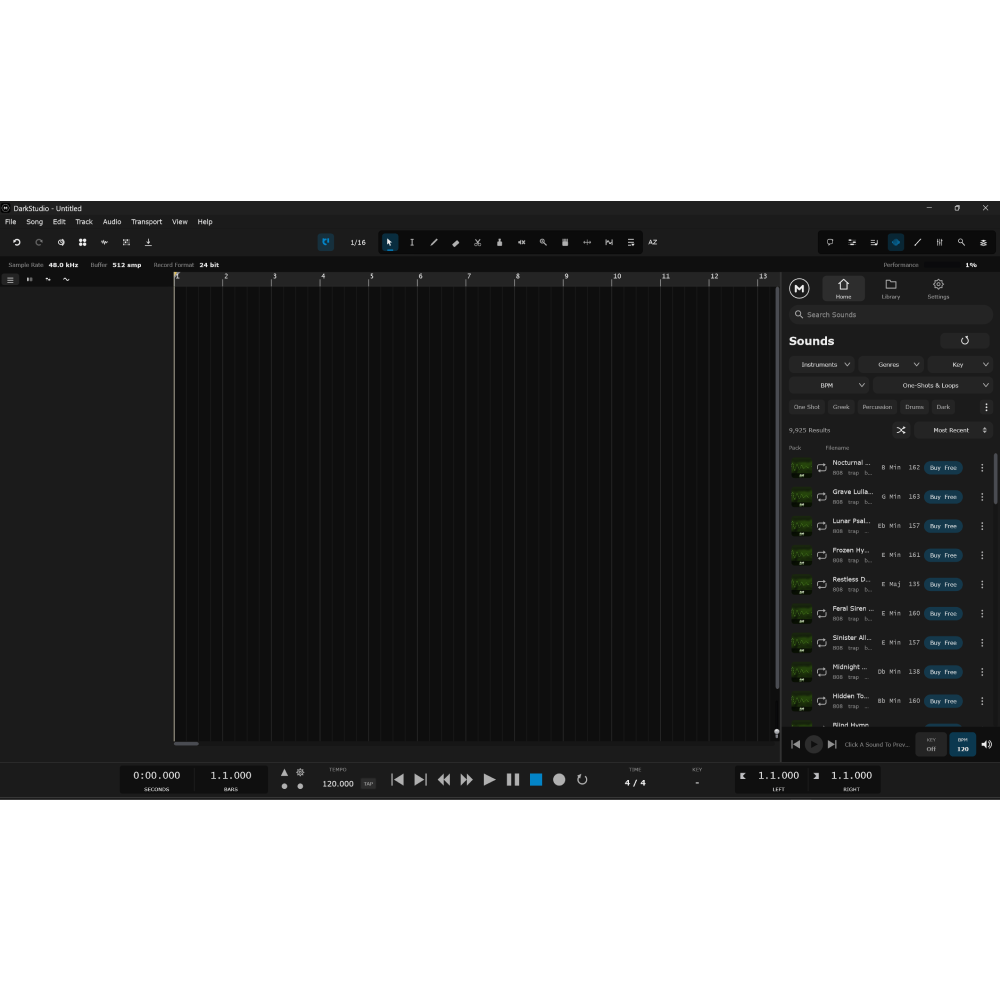
For bugs contact us: support@maniacaudiovst.comWindowsC:\Users\<name>\Documents\DarkStudio\macOS~/Documents/DarkStudio/ — Finder: Go → Home → Documents → DarkStudioLinux~/Documents/DarkStudio/Send Txt Files to find the crash bugs
- Unlimited audio & MIDI tracks, folder tracks, VCA and full bus routing
- MixConsole with inserts, sends, EQ and metering.
- GuardEngine: anticipative processing for low-latency, high-track-count sessions
- Warp / time-stretch, comping with take lanes, clip editor with fades & hitpoints
- Piano roll with drum editor, CC lanes and groove quantize
- ARA 2 / Melodyne integration with full session recall
- Control Room: cue mixes, talkback, AFL/PFL listen bus
- Freeze & bounce, scenes/snapshots, full undo history
- VST3 / AU hosting with PDC and out-of-process plugin scanning
- DAWproject import/export for interchange with other DAWs
- Windows & macOS (Universal Binary)

dinfar5050@gmail.com –
This looks neat, and seems nice. Right now I’m using Ardour on linux to learn about producing, but the UI looks really nice and modern. I just think there is a need for some better user experience. Fx you can’t scroll right/left/up/down with the trackpad and a tooltip would be nice for the action buttons to know what they represent. There is a bug/glitch when you pause/start, it skips a bit forward. Also, if you could package this as an AppImage for linux it would be neat too (look into github.com/pkgforge-dev/Anylinux-AppImages if you want to support majority of distros).
Clutterbyte –
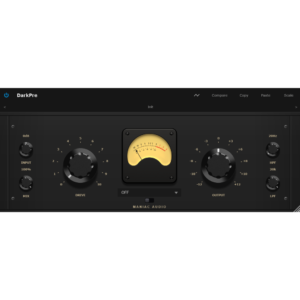
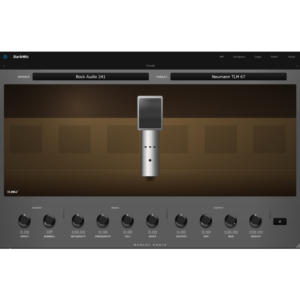
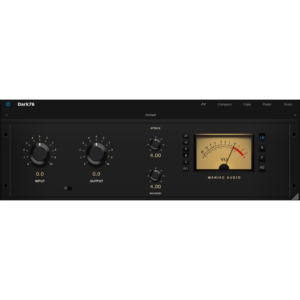
(1.3 Version DAW BETA) it has a very solid base, counts with basic functions as piano roll, mixer, audio editing, buitin pliugins (Effects: reverb, delay, deeser, comprerssor, limiter, desser, clipper, gate and generators: ritmbox, sampler), midi generator, Monitoring utilities, freeze chanels.
Is a beta version, so has a lot of bugs and things that need to polish (Crashes, visual glitches, doesnt have tooltips, mixer has a separate window by default, tracks doesnt have channels).
maximuss1974 –
Where can I find instructions on how to connect AI?
CGrrr –
It would be great if there were file search and tag indexing features.
topolskiart –
Launching it for the first time, I was immediately surprised. It’s incredibly optimized, and its CPU usage rivals Reaper’s. I tested the DAW for several hours without any crashes, plug-ins worked flawlessly, recording ran smoothly, bounce and freeze tracks takes seconds. The DAW is clear, well-designed, and intuitive. The only drawback (and I searched for a long time) is that there’s no follow playhead/auto scroll option while record/play, so you have to manually scroll the bar while playing. Other than that, I have no complaints; it works great, it`s fast, and works without any issues (DarkStudio Beta 1.6 tested on Linux LMDE).
Narcolepzzz –
Shows promise, looking forward to greater polish
LEOCEL –
Estoy super feliz de estar presenciando este Daw que me aporta ligereza y destreza para componer y hacer mi música. No he podido soltarlo desde que lo probé.LLegó con una fuerza de presencia en su diseño y el flujo de trabajo se hace más facil al tener todo en su lugar. Me hace sentir muy comodo al trabajar. Si así comenzó como será su desempeño y evolución ? Estoy feliz de DarkStudio , y agradecido con el equipo de Desarrolladores
LEOCEL –
Amigos y amantes de la Creación , estoy trabajando hace dos dias en el Daw y es muy especial, la integración de la ia ayuda muchisimo como herramienta para las ideas y el proceso creativo , la ligereza del Daw ,las opciones para trabajar midis , es fabuloso, para las inversiones de acordes y demás opciones, aún lo estoy aprendiendo a manejar , pero estoy muy feliz, me siento comodo en el y me inspira siempre que trabajo . Seria bueno ver lo del reanudar la reproducción , o sea que pueda tener la opcion de volver a inicio del proyecto en la linea de tiempo , aunque busque una manera de manejar eso mientras y a medida q vea otras cosas les iré informando para mejorar esta belleza de Tecnologia, porque estoy impactado de como maneja de muy bien la CPU , es tán suave que invita a componer y crear .Muchas gracias a los Creadores y el equipo de Proyecto del Daw DarkStudio .Reciban mi abrazo y agradecimiento .
patw_comp –
DarkStudio DAW has enormous potential, but it currently falls short for large-scale workflows like orchestral composition and mixing. After testing it with an imported template of approximately 300 tracks via DAWproject, I encountered several critical limitations:
– Incomplete Import: While it recognizes the inserted plugin structure and sends, it completely omits the gain staging and the assignment of the template’s sound libraries.
– Inefficient Performance & Resource Management: It lacks a native track disable function to free up RAM and CPU overhead. Since standard muting keeps plugins loaded in memory, performance drops quickly: loading just a single library caused the system to stutter and freeze.
-Lack of Dual Panning: The absence of dual panning or stereo placement controls makes precise spatial positioning impossible, a fundamental requirement when placing orchestral sections across the stereo field.
It holds a lot of promise, but it needs significant optimization for massive multi-instance handling and essential mixing tools before becoming a viable alternative for heavy projects.
LEOCEL –
Amigos estoy con más tiempo ahora . Encontré la respuesta, parece q ayer probando arrastrar clip de audio al Daw , en ese momento la CPU no me trabajó bien, no fué el Daw , era que tenia abierto un Navegador de Google , y además un Programa abierto de música para MIDIS y librerias, y parece q en ese lapso al pasar el audio al Daw pasó pero con algunas interrupciones . Ahora q estoy analizando no fué el Daw sino la carga de programas abiertos y el navegador , al pasar el audio , pasó con algunos detalles como si se bajara a veces el Volume del clip. Estoy probando con todo a esta Version de DarkStudio 1.52 de nuevo y anda perfecto hasta con los Instrumentos VST3 . y ahora voy a descargar la 1.54 para actualizar . Amo este Daw , de verdad. y aqui estaré al tanto de cualquier novedad q nos ayude a mejorar su desempeño. Pero despierto y doy gracias por DarkStudio .Tanto tiempo sin componer y trabajar y ver q al abrirlo me siento como en el Daw que soñaba. Gracias al equipo , al Proyecto . y quiciera decirles que tengan paciencia para que juntos aportemos ideas e informemos el rendimiento del Daw , como va y lo q aportemos será muy valido siempre para los Desarrolladores. La integracion con la ia , la manera para trabajar es muy hermosa para mi . solo comparto esto con mucho cariño .Estoy probando el Daw en el mismo proceso creativo al que me h inspirado sus herramientas y el desenvolmimiento en el mismo .Hay mucho para crear y tener a la mano las herramientas.Gracias DARKSTUDIO de Maniac ¡¡
LEOCEL –
Amigos , y lo sorprendente ahora es que esa toma de audio que pasó con esos detalles de bajada de volumen , como sidechain, pues resulta que la misma Herramienta de DARKSTUDIO de Warp Time-Stretch pués , abrí la Herramienta, analicé el Audio y cuantizé el Clip , y eliminó por completo esos fallos que habia. Osea que construyó el Clip de Audio, permitiendo salvarlo. Es maravilloso ¡¡ Puedo hacer video y capturas de pantalla de ello para q vean. Ha sido una experiencia más con DarkStudio . Yo no queria perder ese audio de ayer, y ahi está salvado por el mismo Daw. Gracias
LEOCEL –
Buen dia de DarkStudio . Amigos y equipo del Daw , una sugerencia , podrian volver a incluir los Botones de abajo del Agrament que antes tenia el Daw ? los botones de Add track , multiout , Eq ..etc Como se muestra en la imagen de la página de Home de la Web DarkStudio , que se muestra el Daw . Ya que creo q son alternativas rapidas para acceder a esas ventanas mientras se está trabajando . Lo veo practico .
LEOCEL –
Aunque ese espacio talvez lo tengan reservado para algun otro boton en el futuro u otra idea .Gracias equipo DarkStudio ¡¡
Yankho Liwewe –
Its Amazing how top notch is the quality + great tools well detailed most of All VERY USER FRIENDLY, to any who has touch the traditional DAW cant get lost on this one. LOVE IT TO THE FULLEST