Maniac Audio
Analog Gear, Rebuilt In Code
A DAW and twenty-three plugins for Windows, macOS and Linux. Compressors, EQs, reverbs and saturation modelled from the hardware they’re named after.
DarkStudio
Our own digital audio workstation. Recording, editing, mixing and plugin hosting in one application — and the same program the Dark plugins are built in.

Three Platforms
Native builds for Windows, macOS and Linux. Same session file on all of them.
Hosts Your Plugins
VST3 everywhere, AU on macOS, ARA and Melodyne where you need them.
Mixing And Automation
Buses, VCA groups, sends and automation lanes on every track.
Free, And Staying Free
Free through the beta and free when it ships. No licence, no subscription.
Plugins
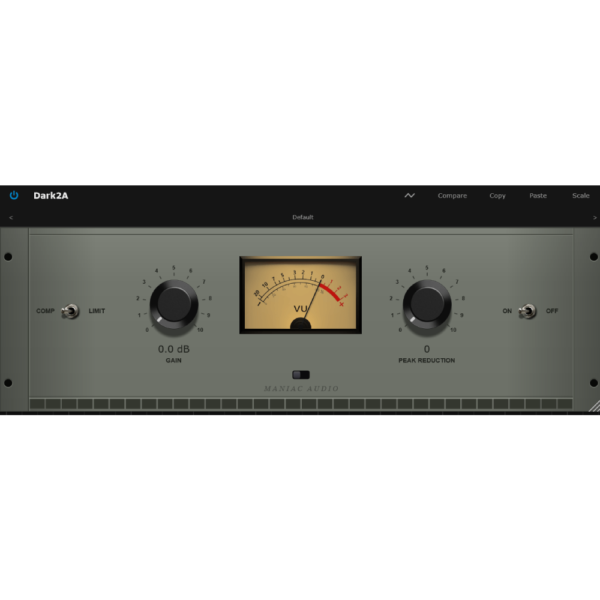
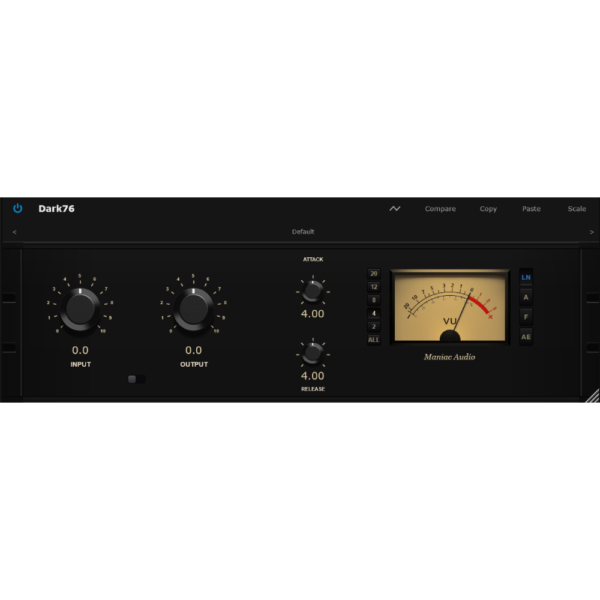
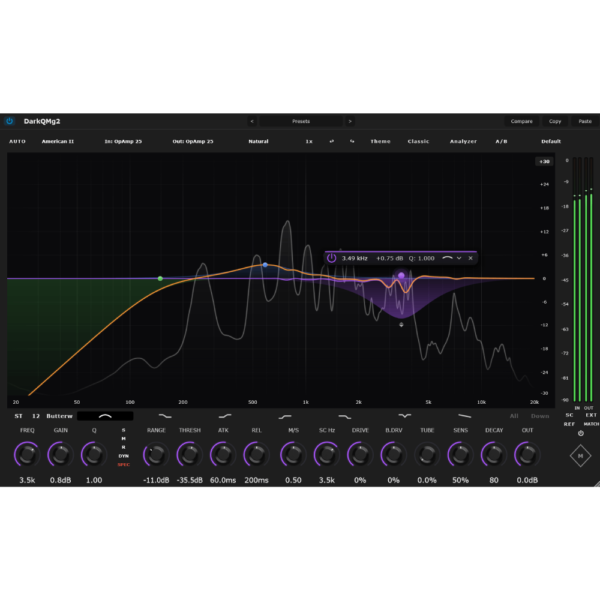
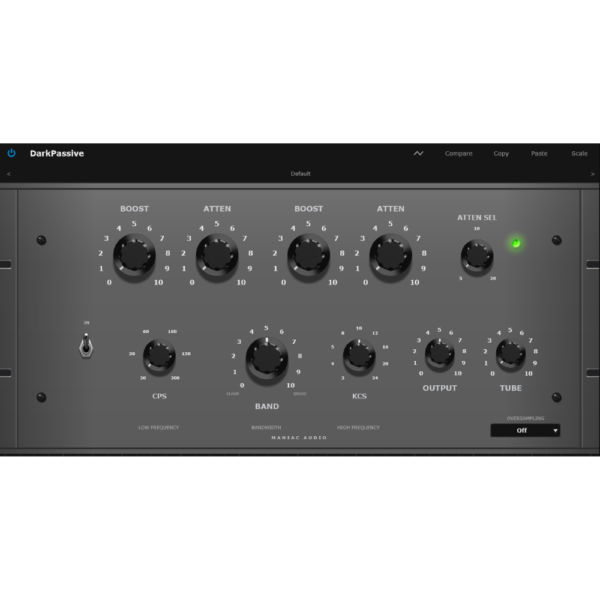
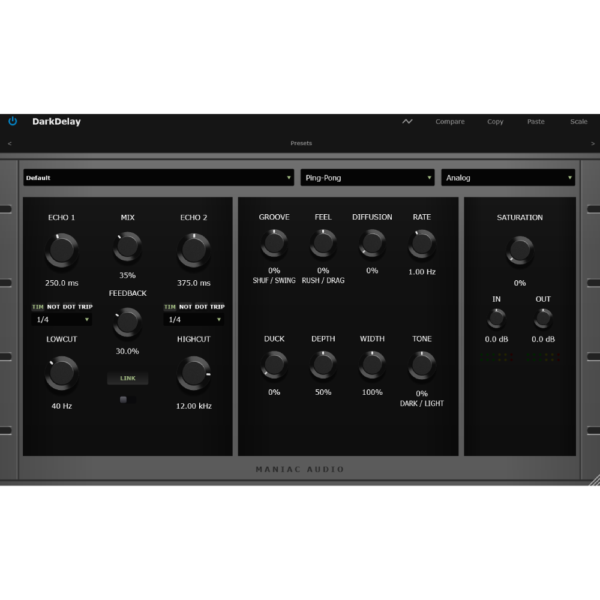
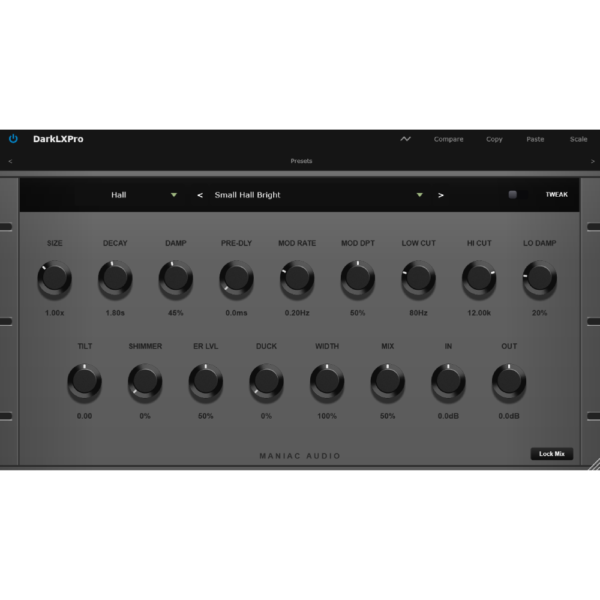
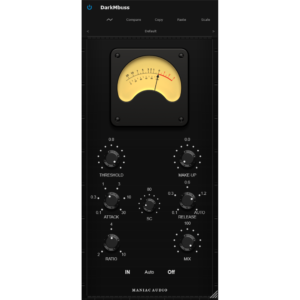
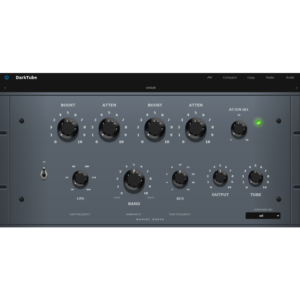
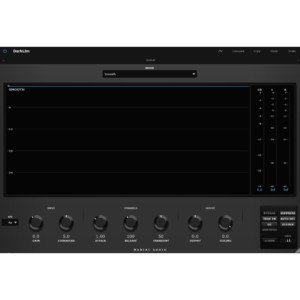
Maniac Audio Bundle
All 23 plugins for Windows, macOS and Linux, in one purchase.
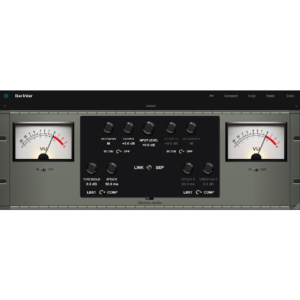
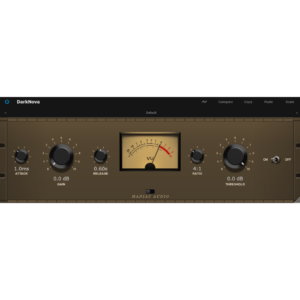
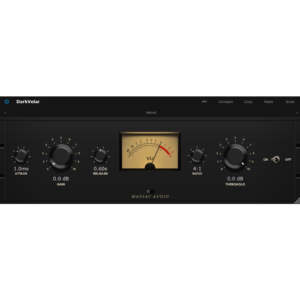
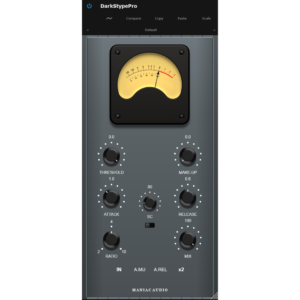
Maniac Audio Sounds
Our own sample library. Loops and samples made by Maniac Audio, ready to drop into DarkStudio or any DAW.
Made In-House
Every loop and sample is made by Maniac Audio.
24-Bit WAV
Every sound as a full-quality 24-bit WAV file.
Free At Launch
Make an account and start downloading.
Yours To Keep
Anything you download stays in your account to download again.
What People Are Saying
“I’m very impressed with Maniac Audio’s effort to put a DAW for us musicians/producers, with great well thought out features and user friendly. The sound is top notch! Congrats MA!!!”
Jeroen SimonsIndependent, Epica
Modelled From The Circuit
T4 opto cells, FET waveshaping, VCA saturation and transformer harmonics — measured off the hardware, not approximated with a curve.
Oversampled Up To 8×
Kaiser-windowed FIR filters keep aliasing out of the top octave, even when the saturation is pushed hard.
No Dongle, No iLok
Download, install, work. Three machines per licence, and nothing to plug in. You just need an account to get the files.
Specifications
Windows
- Formats
- VST3
- Architecture
- 64-bit
- Minimum
- Windows 10
macOS
- Formats
- VST3, AU
- Architecture
- Universal
- Chips
- Intel, Apple Silicon
Linux
- Formats
- VST3
- Architecture
- x86_64
- Tested On
- Ubuntu 24.04 LTS+
Tested Hosts
Licence
Three machines, no iLok, no dongle. An account is needed to download.
Not Supported
AAX for Pro Tools, 32-bit, ARM Linux including Raspberry Pi.
Downloads
25,000+
Questions
How Many Computers Can I Install On?
Three machines that you own or control. No dongle and no iLok. You do need a Maniac Audio account, which is where your downloads live.
Can I Try Before I Buy?
Two of the twenty-three are free: DarkQ, an EQ, and DarkR, a reverb. They are built exactly the same way as the paid ones, so if they behave on your system the rest will too.
What Do I Need On Linux?
A 64-bit Intel or AMD system running Ubuntu 24.04 LTS or newer. Debian 13, Linux Mint 22 and Fedora 39 or newer work as well. The requirement underneath is glibc 2.38 — check yours with getconf GNU_LIBC_VERSION. Older releases such as Ubuntu 22.04 LTS and Debian 12 are not supported. ARM systems including Raspberry Pi are not supported.
How Do I Install On Linux?
Unzip the bundle and run the included installer from a terminal:
unzip "Maniac Audio Bundle Linux.zip"
cd "Maniac Audio Bundle Linux"
bash install.sh
That puts every plugin in ~/.vst3 without root. Use sudo bash install.sh --system to install for all users, or bash install.sh DarkQ Dark2A to pick individual plugins. Run bash install.sh --list first if you want to see what is in the bundle. An uninstaller is included. Rescan plugins in your DAW afterwards.
How Do I Get The Files After Paying?
An email with the Windows, macOS and Linux download links arrives immediately after payment, and the same files stay in your account.
What Is In The Bundle?
All 23 plugins — compressors, EQs, reverbs, delays, saturation, limiters, gates and mic modelling. One purchase covers Windows, macOS and Linux. It is €30, including VAT — the plugins cost far more bought one at a time.
Do You Offer Refunds?
All sales are final because the products are digital. Refunds are considered for verified technical problems that support cannot resolve. The refund policy has the detail.
Start With The Free Ones.
DarkQ and DarkR cost nothing. Make an account, download them, and if they earn a slot on your master bus the other twenty-one are waiting.
DSP · Design · Engineering by
Giorgos Charilaou